
WordPress form builder + lead attribution
Your forms collect names.
They should collect the whole story.
Sense Forms records where every lead came from — traffic source, campaign, the pages they read, the device they used — and attaches it to the submission. No hidden fields. No configuration.
Works everywhere your forms already live
The blind spot
Every form plugin leaves the same gap
Analytics knows traffic
It reports that 500 people came from organic search. It can't tell you which of them filled in your form.
Your form knows people
It records a name and an email. It has no idea which campaign, page or channel produced that person.
Sense Forms knows both
Every submission carries its full origin — recorded on the same row as the lead, automatically.
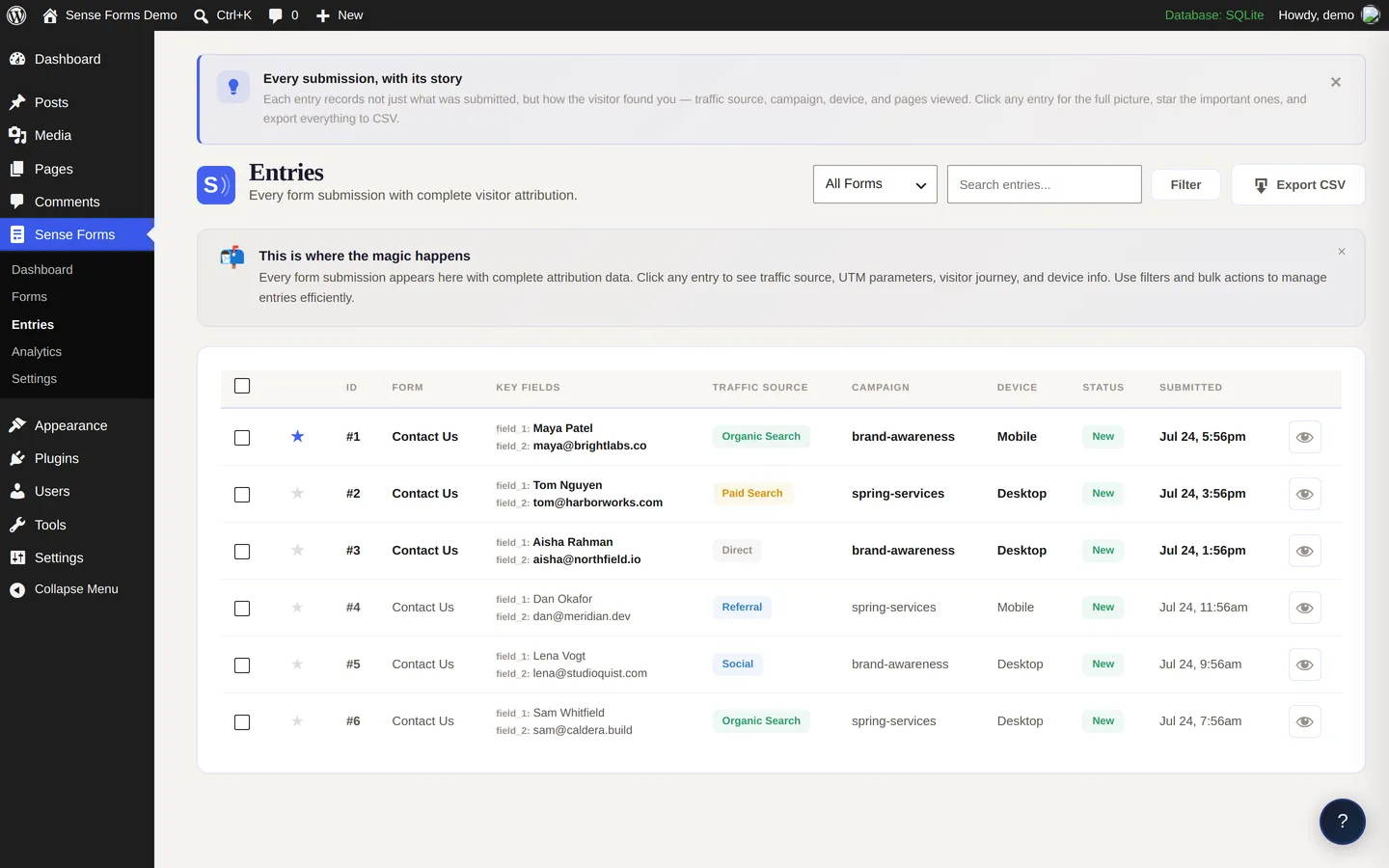
Every entry, the full picture
Not a name. A decision, explained.
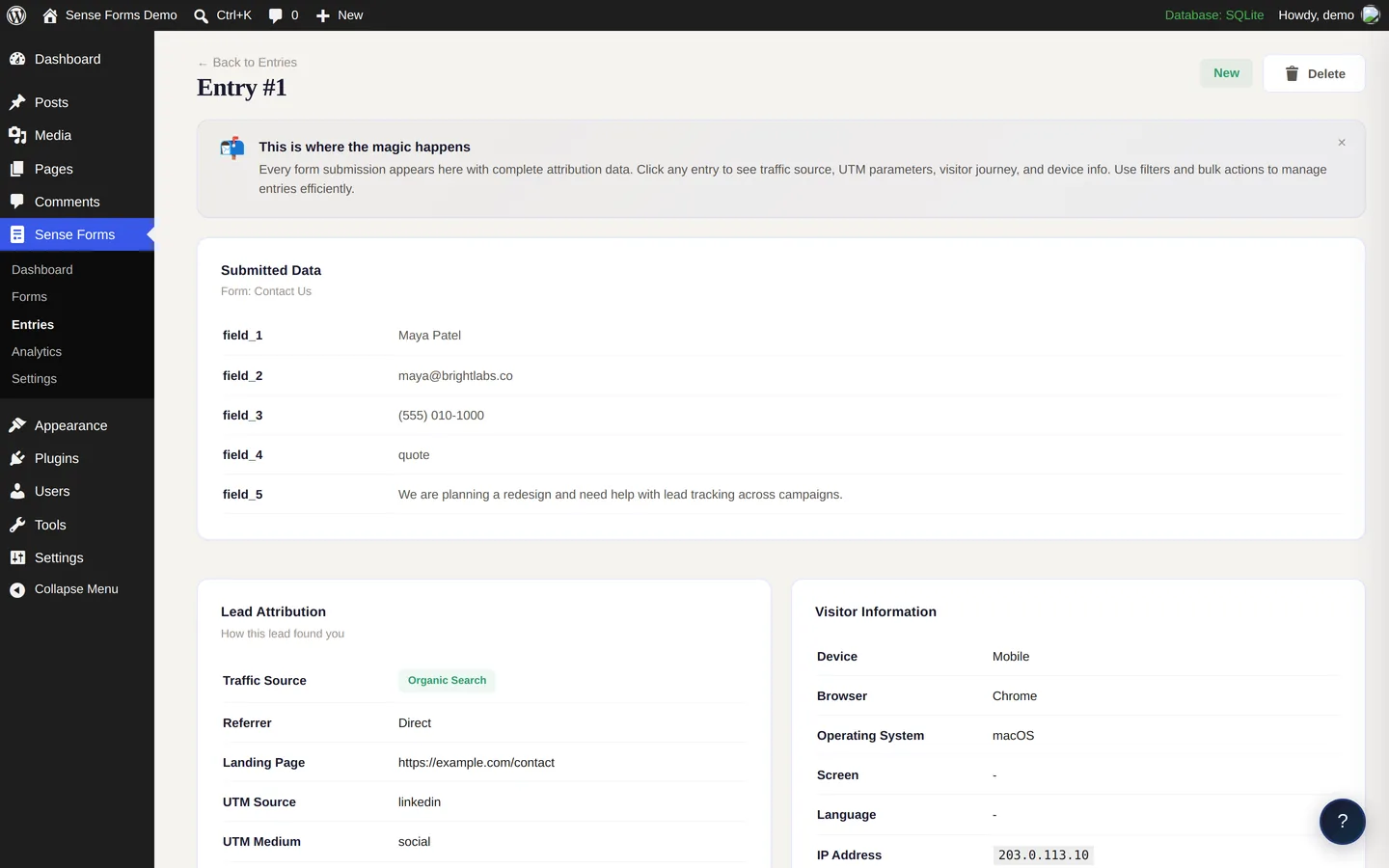
Open any submission and see the path that produced it: the traffic source, the campaign, the pages read before converting, the device used.
- Traffic source, classified automatically
- All five UTM parameters
- Full page-by-page visitor journey
- Device, browser, OS and language
How it works
Three steps, none of which you configure
A visitor arrives
The tracker reads the referrer and UTM parameters, classifies the source, and records the landing page and device.
They read your site
Each page view joins the visit. The journey builds on its own — no tagging, no setup.
They submit
Everything recorded during the visit is written to the entry, beside the fields they filled in.
Built-in analytics
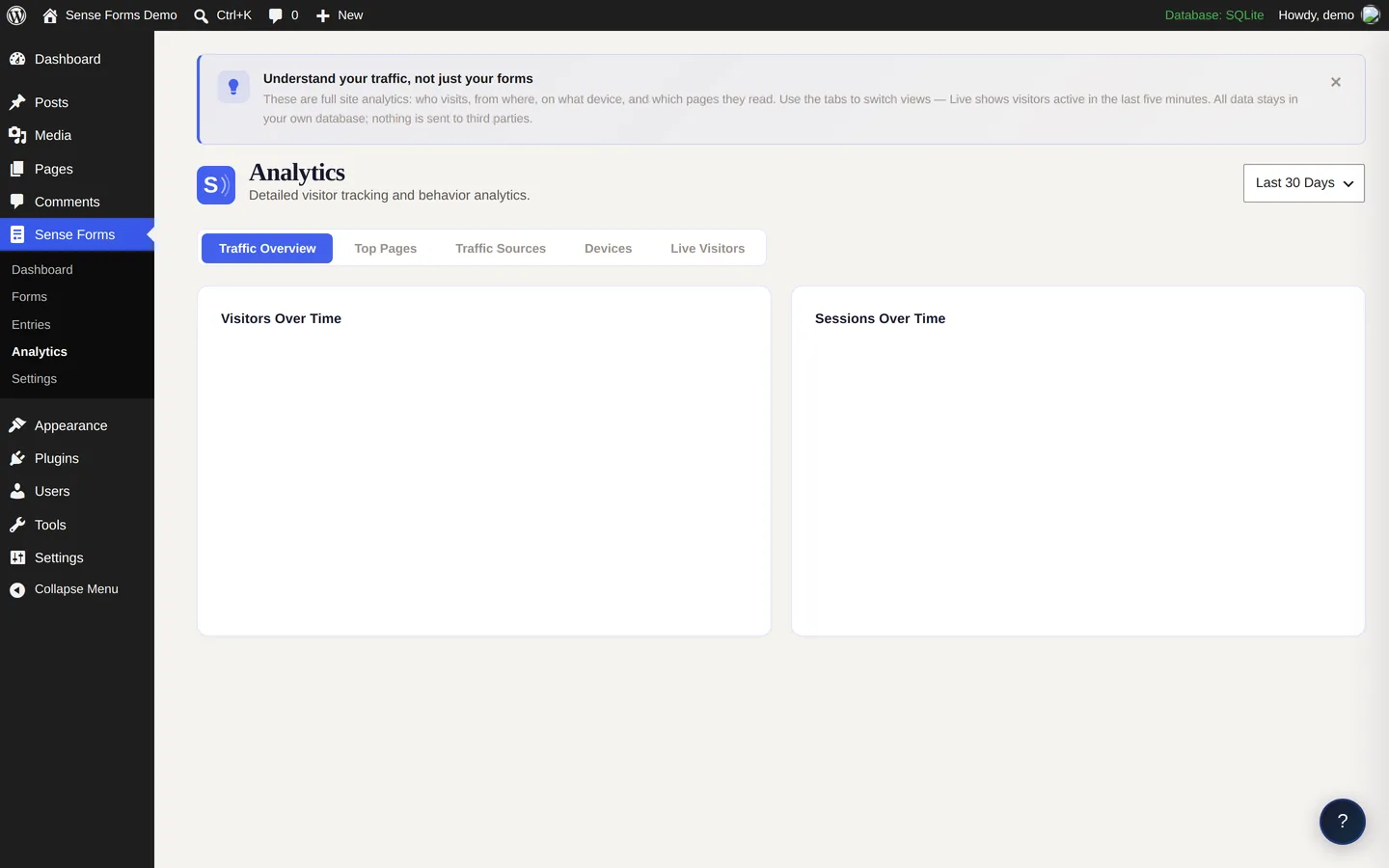
See which channel actually converts
Submissions over time, broken down by traffic source, with per-form conversion rates and live visitors — all reading from your own database.
- Conversion rate per form, not just counts
- Live visitors with their source and device
- Nothing sent to a third party
Questions
Common questions
Everything people ask before installing. Still unsure? The documentation goes deeper.
Get early accessWhat is lead attribution in a WordPress form?
Lead attribution records how a visitor reached your site before they submitted a form. Sense Forms attaches the traffic source, all five UTM parameters, referring URL, landing page, every page viewed during the visit, and device details to each entry, so you can see which campaign or page produced each lead.
Do I need hidden fields to capture UTM parameters?
No. Sense Forms captures UTM parameters automatically through its tracking script. You do not add hidden fields, paste snippets, or configure anything — activate the plugin and attribution data is attached to every submission from that point on.
Does Sense Forms slow down a WordPress site?
The tracking script is 4.0 KB gzipped and loads asynchronously, so it does not block rendering. It is a single first-party request with no external calls.
Where is the tracking data stored?
All data is stored in your own WordPress database in custom tables. Nothing is sent to an external service and no third-party cookies are used, so the data remains entirely yours.
Is Sense Forms GDPR compliant?
Sense Forms includes optional IP anonymisation, a configurable data retention period, a GDPR consent field, and registration with the WordPress privacy export and erasure tools. Compliance also depends on how you configure and disclose your own data collection.
How much does Sense Forms cost?
Sense Forms is free, with unlimited forms and unlimited submissions. Attribution tracking, conditional logic, the analytics dashboard, CSV export and GDPR tools are all included. Paid add-ons are in development.
See where your leads actually come from
Free, with unlimited forms, and everything stored in your own database.
Get early access